
Updating Your Billing Information
-
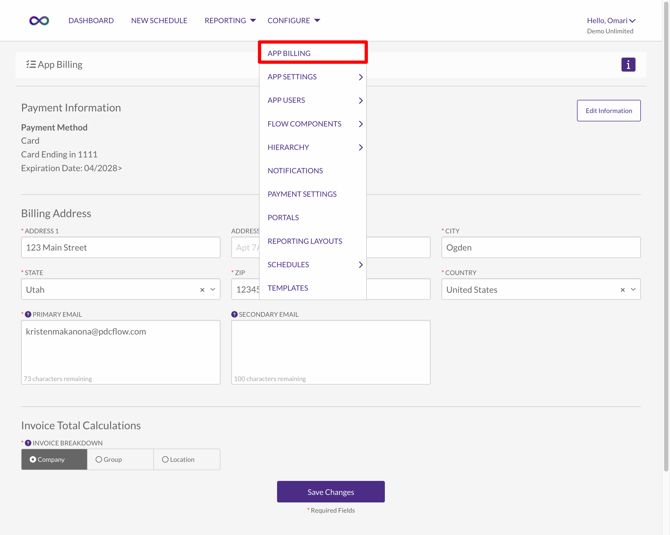
Go to Configure > App Billing.
-
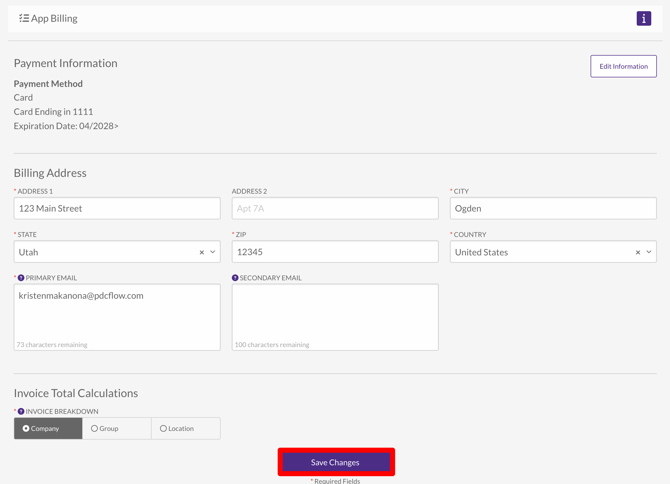
From this page you can edit:
-
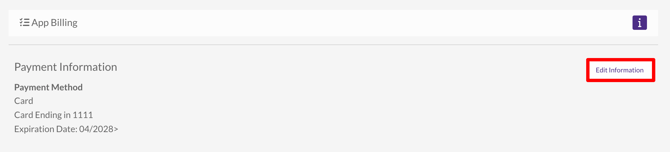
The payment method that will be used for your monthly billing
-
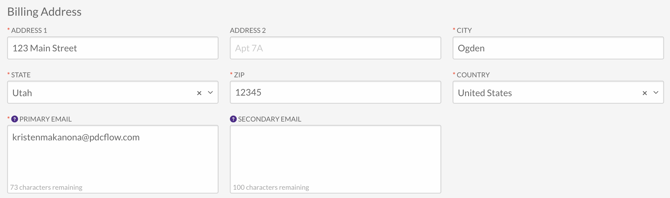
Billing billing address and email addresses
-
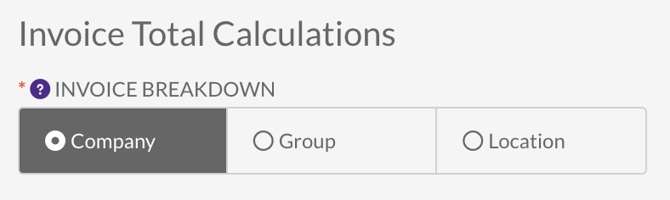
Select the type of calculation you’d like PDCflow to use for your invoice breakdown. By default, invoices show total calculations for each service. However, if your account uses Company Hierarchy for more detailed data organization, you can choose to calculate totals by Groups or Locations instead.
-
-
If you've made adjustements on this page, when you're done, click "Save Changes" to apply your updates.
Need Help?
Email our Customer Success team at support@pdcflow.com.